
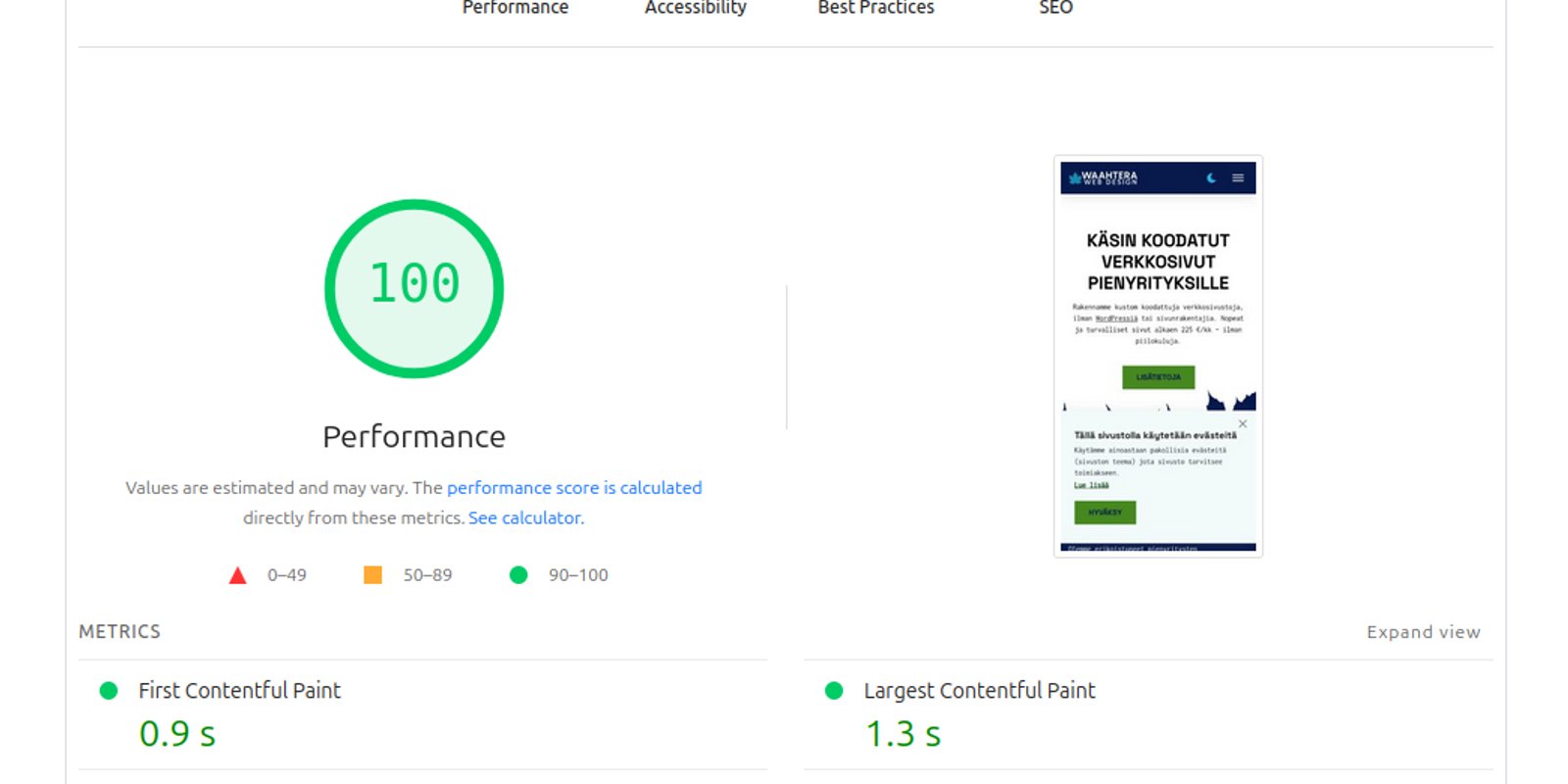

Technical SEO makes sure that search engines can crawl, understand and index a website correctly. Good content is still essential, but content performs poorly if the technical foundation blocks visibility or creates a weak user experience.
For a business website, technical SEO should not be treated as a one-time task. It should be checked during planning, development, launch and later maintenance. This checklist covers the most important areas.
If you are still choosing target keywords and topics, start with keyword research in practice before working through the technical details.
1. Make sure important pages are indexable
Search engines need access to the pages that should appear in search results. Check that important pages are not blocked by robots.txt, noindex tags, login walls or broken redirects.
The most important pages usually include:
- homepage
- service pages
- location pages
- key articles
- contact page
- case studies or references
Thin utility pages, duplicate pages and internal search result pages usually do not need to be indexed.
2. Use clear URLs
URLs should be readable and stable. A good URL describes the page topic without unnecessary parameters or random identifiers.
For example, a service URL like /en/palvelut/seo/ is clearer than a long dynamic URL with tracking parameters. Clear URLs are easier for users to understand and easier to maintain when the site grows.
If URLs change during a redesign, old addresses should redirect to the correct new pages. This protects existing rankings and prevents users from landing on broken pages. This is one reason why website redesign should be handled as both a UX and SEO project.
3. Check titles and meta descriptions
Every important page should have a unique title and description. The title helps search engines understand the page topic, while the description can affect whether people click the result.
A good title is specific and aligned with search intent. A good description explains the value of the page clearly without overpromising.
Avoid duplicate titles across service pages. If every page uses the same generic title, search engines and users get weaker signals about what each page is actually about.
4. Use logical heading structure
Headings help both users and search engines understand content hierarchy. Each page should have one clear main heading and supporting subheadings that organize the topic.
The heading structure should follow the content, not visual styling. Do not choose heading levels only because they look a certain size. Design can control appearance, while the HTML structure should describe meaning.
This is easier to control in a carefully built web development project where templates, components and content structure are planned together.
5. Improve internal linking
Internal links help users find related information and help search engines understand which pages matter. They also distribute relevance between articles, service pages and location pages.
Good internal links are natural and useful. For example, an article about performance can link to website speed, Core Web Vitals and the SEO service page when those links help the reader continue.
Avoid adding links only for search engines. The link should make sense in the surrounding text.
6. Fix broken links and redirects
Broken internal links create a poor user experience and waste crawl paths. Redirect chains can also slow down page access and make the site harder to maintain.
During a technical SEO review, check:
- 404 pages
- outdated internal links
- redirect chains
- redirects to irrelevant pages
- links to removed assets
This is especially important after launch, migration or content cleanup.
7. Optimize speed and Core Web Vitals
Technical SEO and performance are closely connected. A slow website is harder to use and can weaken search performance over time.
Important speed checks include:
- image sizes and formats
- render-blocking CSS and JavaScript
- unused scripts
- server response time
- caching
- layout stability
Our article on Core Web Vitals in practice explains the key metrics, while CDN for websites covers one way to improve delivery speed.
8. Add structured data where useful
Structured data helps search engines understand page content more precisely. It can be useful for articles, local businesses, FAQs, reviews and organization information.
Structured data should match visible content. Do not mark up information that users cannot actually see on the page.
9. Make the site work well on mobile
Many searches happen on mobile devices, and search engines evaluate mobile usability carefully. A technically strong website should be easy to use on smaller screens.
Check that text is readable, buttons are easy to tap, navigation works, forms are usable and content does not shift or overflow.
10. Keep the sitemap accurate
An XML sitemap helps search engines discover important pages. It should include indexable pages and exclude pages that should not appear in search results.
The sitemap should update when new articles or service pages are added. It is also useful to submit it in search tools so indexing issues can be monitored.
Summary
Technical SEO gives strong content a better chance to perform. The essentials are crawlability, clear structure, stable URLs, useful internal links, speed, mobile usability and accurate metadata.
When these basics are handled well, ongoing search engine optimization becomes more predictable and measurable.